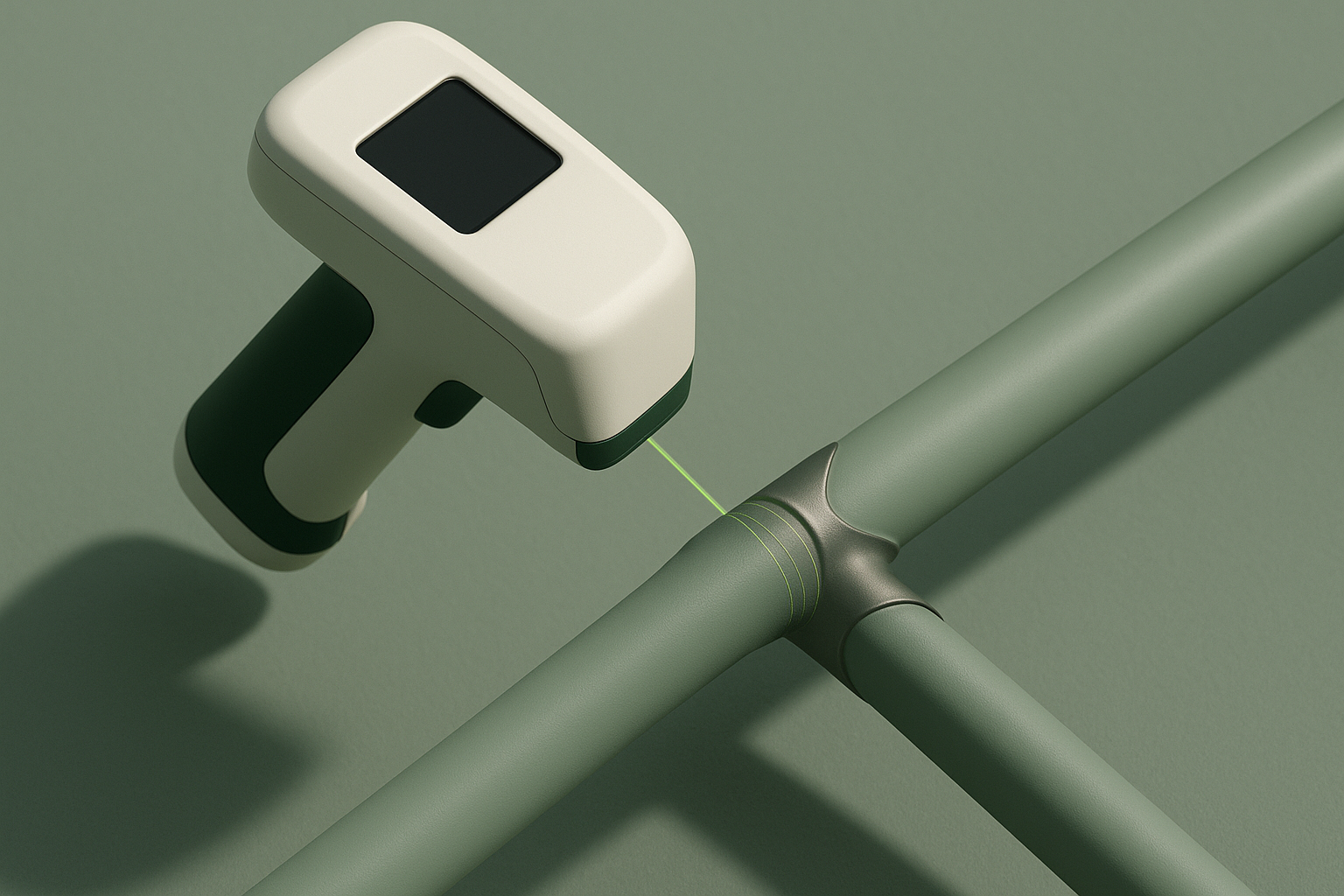
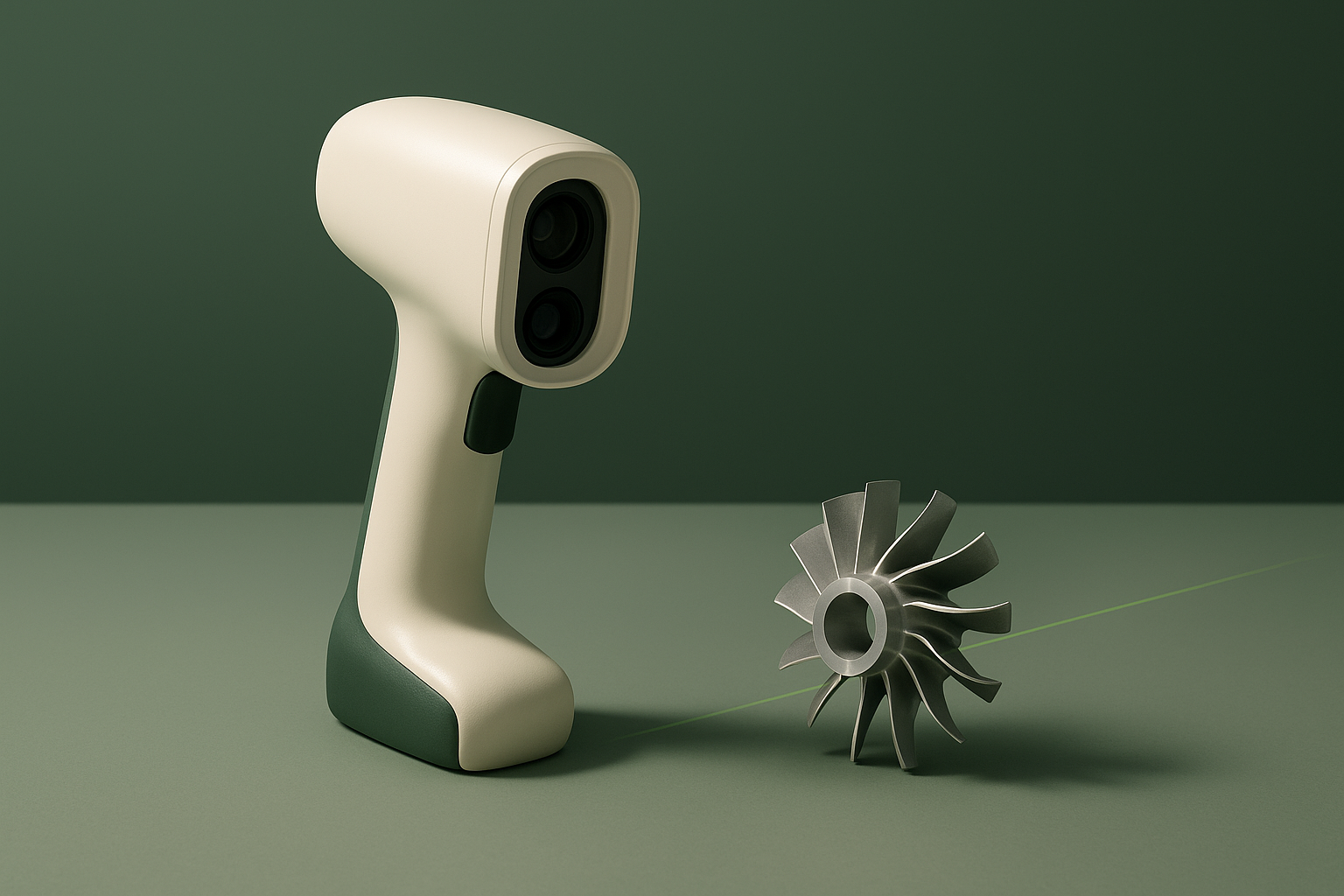
Artec Leo is a wireless, battery-powered 3D scanner built for industrial and professional users who need to capture medium-to-large objects without tethering to a laptop. This review compiles what Artec 3D’s own product page and technical brochure state about the device — its VCSEL-based structured-light system, onboard AI processing, and Artec Studio software pipeline — without adding any first-hand testing claims. In brief: it is a capable, self-contained scanning tool for teams already working at professional or industrial budgets, not an entry point for hobbyist or one-off users.
Fit
Artec 3D positions Leo for “engineers, product designers, CAD technicians, VFX artists, archeologists, game designers, VR app developers, and many other professionals” who need to digitize physical objects into workable 3D models, according to the manufacturer’s brochure. The company lists reverse engineering, industrial and manufacturing quality inspection, healthcare (custom prosthetics and orthotics), science and education, and art and design as its primary use cases, with typical scan targets ranging from gearboxes and automotive parts to statues, furniture, and full human bodies.
The scanner’s stated capture zone of 160,000 cm³ and working distance of 0.35–1.2 m make it best suited, by the manufacturer’s own description, to objects in the 20 cm to 200 cm range, with larger objects or full rooms requiring it to be “paired with a powerful computer.” That framing, plus a published list price in the tens of thousands of dollars for a full kit, places Leo squarely in professional and industrial procurement territory rather than the consumer or prosumer tier. Buyers scanning very small parts, jewelry-scale detail, or working with a hobbyist budget are not the audience Artec targets with this model.
Technology & Specifications
Leo uses a VCSEL (vertical-cavity surface-emitting laser) structured-light projector for 3D capture, paired with a white 12-LED array for texture illumination, according to Artec’s technical specification sheet. The company describes the projected pattern as invisible to the human eye and states this lets the scanner operate in sunlight, unlike some structured-light systems that struggle in bright ambient light. Tracking is handled by a “hybrid target-free tracking system” combined with a built-in 9-degrees-of-freedom inertial sensor, which Artec says removes the need for physical markers or targets on the scanned object.
What separates Leo from Artec’s tethered scanners (such as Eva or Space Spider) is that capture and real-time 3D reconstruction preview happen on the device itself, without a tethered computer. The scanner carries an embedded NVIDIA Jetson TX2 module — a quad-core ARM Cortex-A57 CPU paired with an NVIDIA Maxwell GPU rated at 1.33 TFLOPS across 256 CUDA cores — along with a 512 GB internal SSD and a 5.5-inch half-HD touchscreen, which Artec’s specification sheet credits with driving real-time reconstruction at up to 80 fps during capture. Turning that captured data into a finished 3D model is a separate step, however: Artec’s documentation states that a separate computer running Artec Studio is required for that downstream data processing, even though scanning itself does not require one.
| Specification | Stated value | Source |
|---|---|---|
| 3D point accuracy | Up to 0.1 mm | Artec3D-Leo.pdf spec sheet |
| 3D resolution (HD Mode) | Up to 0.2 mm | Artec3D-Leo.pdf spec sheet; Artec Leo product page |
| 3D accuracy over distance | Up to 0.1 mm + 0.3 mm/m | Artec3D-Leo.pdf spec sheet |
| Working distance | 0.35 – 1.2 m | Artec3D-Leo.pdf spec sheet |
| Volume capture zone | 160,000 cm³ | Artec Leo product page |
| 3D reconstruction rate (video streaming) | Up to 80 fps | Artec3D-Leo.pdf spec sheet |
| Data acquisition speed | Up to 35 million points/sec | Artec3D-Leo.pdf spec sheet |
| Texture resolution / color depth | 2.3 MP, 24 bpp | Artec3D-Leo.pdf spec sheet |
| Onboard processor | NVIDIA Jetson TX2 (Cortex-A57 CPU, Maxwell GPU, 256 CUDA cores) | Artec3D-Leo.pdf spec sheet |
| Internal storage | 512 GB SSD | Artec3D-Leo.pdf spec sheet |
| Display | 5.5″ half-HD capacitive touchscreen | Artec3D-Leo.pdf spec sheet |
| Weight / dimensions | 2.6 kg (5.7 lb); 231 × 162 × 230 mm | Artec3D-Leo.pdf spec sheet |
| Connectivity | Wi-Fi, Ethernet, SD card | Artec3D-Leo.pdf spec sheet |
| List price (US, full kit) | Standard Pack US $38,300; Premium Pack US $52,345 | Artec Leo product page |
Limitations
Several constraints come directly from Artec’s own materials rather than from independent testing. The working distance is fixed at 0.35–1.2 m, and the manufacturer states that objects smaller than roughly 20 cm or larger than about 200 cm fall outside Leo’s core sweet spot — small parts are better served by Artec’s other scanners (Space Spider or Micro, per the company’s comparison chart), while very large objects or whole rooms require pairing Leo with an external computer rather than working purely standalone.
Resolution of up to 0.2 mm is specifically an HD Mode figure: Artec’s own materials describe HD Mode as producing a resolution “2X higher than that of the original SD data,” but do not publish a separate numeric resolution figure for standard-definition (SD) capture. Capturing thin, intricate, or reflective/dark surfaces at that higher fidelity requires switching on Artec’s AI-powered “HD Mode,” which the company notes is only available on Leo and Eva scanners running Artec Studio 15.1 or later — meaning older software installations do not have access to it. Data processing itself is not standalone: while scanning requires no computer, turning raw scans into finished 3D models requires a separate Windows PC — Artec’s current product page specifies Windows 8.1, 10, or 11 (64-bit), an update from the Windows 7/8/10 figure published in the older brochure PDF also cited in this review — and Artec’s recommended configuration is demanding: an Intel Core i7 or i9, 64+ GB of RAM, and an NVIDIA GPU with at least 8 GB of VRAM and CUDA 6.0+ support for full HD-mode processing.
Pricing is not simple either. Artec lists US list prices for its Standard and Premium packs on its own site, but also states that actual prices vary by region and directs buyers to contact an authorized reseller for local pricing — so the published figures should be read as reference points rather than a universal purchase price. One further gap: Artec’s public materials reviewed for this piece do not disclose a specific battery runtime in hours, only that the unit ships with a “built-in exchangeable battery” and that packages include two batteries and a charger; buyers wanting an exact runtime figure will need to confirm it directly with Artec or a reseller.
Software & Workflow
Leo is designed to operate without a tethered computer during capture, using its onboard touchscreen for framing, start/stop control, and Artec’s stated real-time feedback tools — including a color-coded distance guide and a surface-coverage indicator described in the manufacturer’s materials. Captured data is processed afterward in Artec Studio, the company’s companion software, which also integrates with Artec Cloud for what Artec describes as scan-to-cloud transfer, remote control of the scanner, and a dedicated API/SDK for custom integrations.
System requirements published by Artec split into scanning (no computer needed) and processing (a Windows 8.1/10/11 64-bit machine required, per Artec’s current product page). Minimum processing specs differ by mode: HD Mode calls for an Intel Core i7 or i9, 32 GB RAM, and an NVIDIA GPU with CUDA 6.0+ and at least 4 GB VRAM, while standard-definition (SD) processing can run on an Intel Core i5, i7, or i9 with 32 GB RAM and a GPU with 2 GB of video memory. Export formats span common mesh formats (OBJ, PLY, WRL, STL, ASC, PTX, E57, XYZRGB), CAD formats (STEP, IGES, X_T), and measurement formats (CSV, DXF, XML), covering both downstream 3D modeling pipelines and inspection/metrology workflows, per Artec’s specification sheet.
Alternatives
ScanLedger includes three alternatives here, each for a specific reason rather than general popularity. Artec’s own tethered handheld scanners, such as Artec Eva, are included because they trade wireless standalone operation for a lower price point while targeting similar medium-object scanning tasks. Creaform’s handheld industrial scanners (including its Go!SCAN and HandySCAN families) are included because they serve the same reverse-engineering and quality-inspection buyer evaluating professional-grade metrology scanners. Shining3D’s EinScan professional and industrial handheld lines are included as a comparison point for teams weighing wireless or higher-throughput handheld scanning against Leo’s standalone design. This list is general — no detailed specs for these alternatives are asserted here, since they fall outside this review’s sourcing scope.
Conclusion & Sources
Based strictly on Artec’s own published materials, Leo is a standalone, AI-assisted structured-light scanner aimed at professional and industrial users who need cable-free capture of medium-to-large objects, backed by a processing pipeline through Artec Studio and Artec Cloud. Its documented accuracy, capture volume, and onboard compute set it apart from Artec’s tethered models, but its price tier, GPU-heavy processing requirements, and undisclosed battery runtime are all factors a buyer should weigh — and verify directly with Artec or an authorized reseller — before purchase.
- Artec Leo product page, Artec 3D — checked 2026-09-09.
- Artec Leo brochure and technical specification sheet (PDF), Artec 3D — checked 2026-09-09.
- Artec Leo: System Requirements, Artec Support Center — checked 2026-09-09.