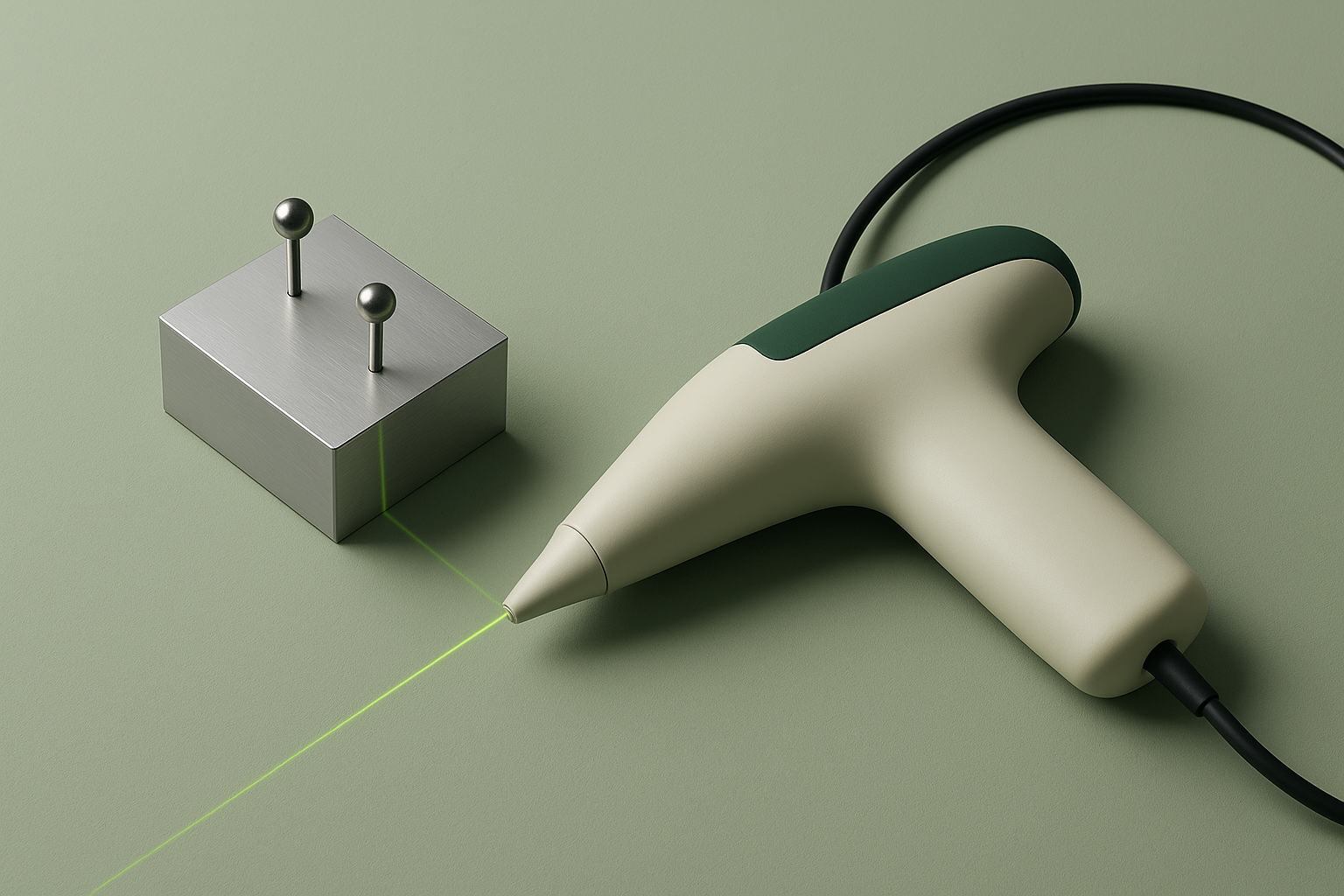
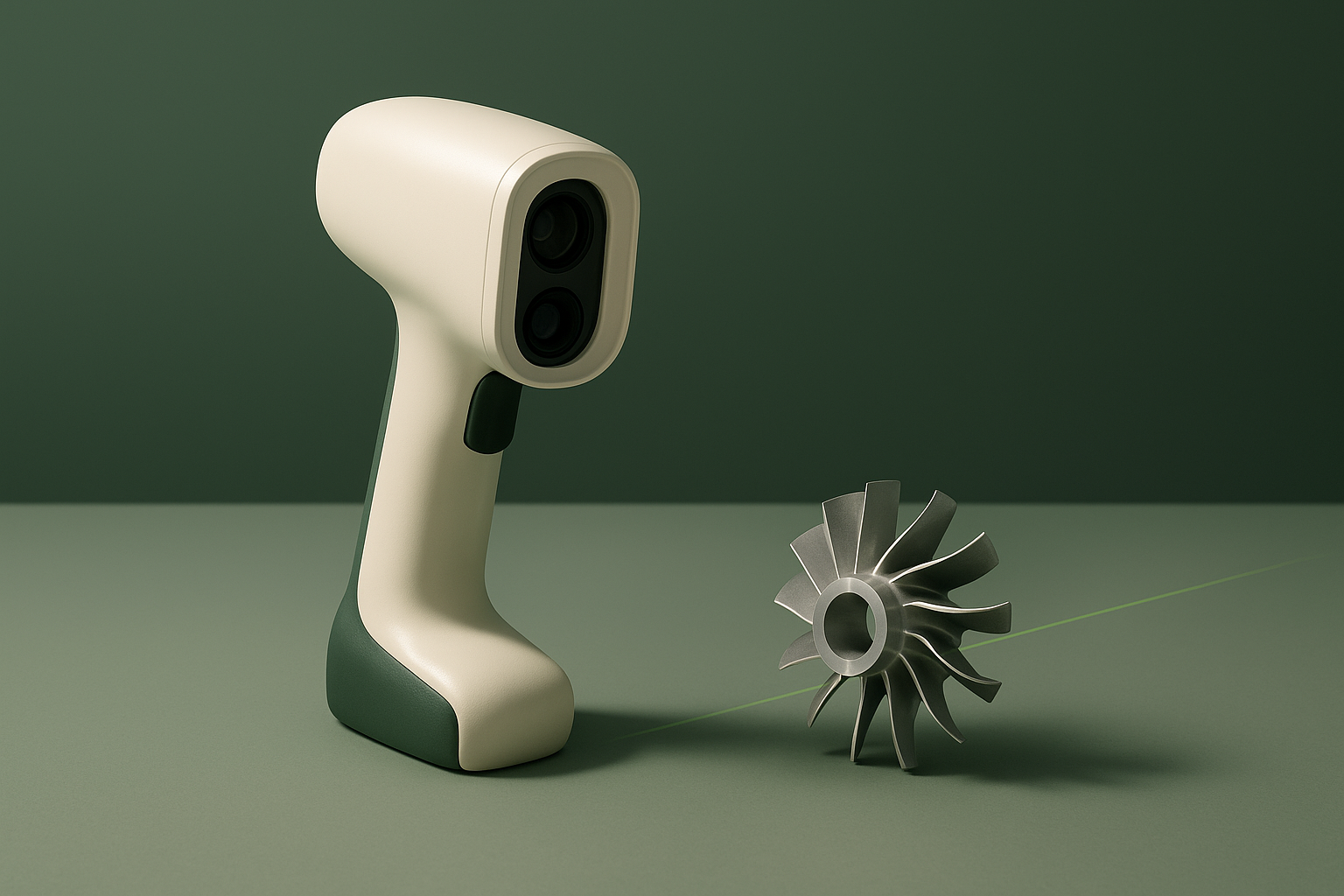
The Creaform HandySCAN BLACK Elite is a handheld, metrology-grade 3D laser scanner positioned for dimensional inspection, quality control, and reverse engineering work in engineering environments. This review compiles its stated specifications directly from Creaform’s technical documentation and FARO’s knowledge base (Creaform is now a FARO Technologies brand). In brief: it is a high-accuracy, self-positioning industrial scanner built for professional metrology workflows, not a consumer or hobbyist device, and Creaform does not publish list pricing for it.
Fit
Creaform markets the HandySCAN 3D BLACK series, including the Elite tier, to “design, manufacturing and metrology professionals” in sectors such as aerospace, automotive, and general manufacturing, for applications including quality control, reverse engineering, product development, and on-site measurement.[2] The scanner is described as a stand-alone handheld device that “does not require a tripod nor any external tracking device to operate,” with setup described as taking under two minutes and the unit sized to fit in a carrying case for field or shop-floor use.[2]
That positioning makes the HandySCAN BLACK Elite a fit for QA departments, inspection labs, and reverse-engineering teams that need traceable, sub-0.03 mm measurement on parts ranging roughly from small components to several-metre assemblies, and who already work with CAD or metrology software such as PolyWorks, Geomagic, CATIA, or SOLIDWORKS.[1] It is not a fit for makers, hobbyists, or anyone scanning for visual or texture-capture purposes only — nothing in Creaform’s documentation references color capture, texture mapping, or consumer-facing workflows, and the accuracy claims are tied to formal acceptance testing rather than casual use.[1] Because Creaform sells through metrology distributors and partners rather than listing retail pricing, this is also a device that requires a sales conversation before purchase rather than an impulse buy.
Technology & Specifications
The HandySCAN BLACK Elite uses laser triangulation: the scanner projects laser lines onto a part’s surface and measures the deformation of those lines with onboard cameras to reconstruct 3D geometry. Creaform’s spec page lists the light source as 22 blue laser lines (described elsewhere as 11 blue laser crosses) plus one extra line, at eye-safe laser class 2M.[1][3] Positioning is handled through what Creaform calls “dynamic referencing,” which the product page describes as self-positioning that lets the scanner and part move relative to each other during acquisition, though the manufacturer’s public product page does not detail the underlying mechanism.[2] Data acquisition is processed live, with Creaform describing “automatic mesh generation,” “live mesh visualization,” and “scan-to-mesh in seconds” as part of the capture workflow.[2]
Accuracy is validated against the VDI/VDE 2634 part 3 acceptance-test standard, and the scanner carries ISO 17025 accredited certification, meaning its stated accuracy figures are tied to a formal, traceable calibration process rather than a marketing estimate.[1][3] The table below lists the specifications found on Creaform’s and FARO’s official pages for this specific Elite tier.
| Specification | Stated value | Source |
|---|---|---|
| Scanning technology | Laser triangulation; 11 blue laser crosses (22 lines total) + 1 extra line; laser class 2M (eye-safe) | [1][3] |
| Single-point accuracy | 0.025 mm (0.0010 in) | [1][3] |
| Volumetric accuracy | 0.020 mm + 0.040 mm/m (0.0008 in + 0.0005 in/ft) | [1][3] |
| Measurement resolution | 0.025 mm (0.0010 in) | [1] |
| Mesh resolution | 0.100 mm (0.0039 in) | [1][3] |
| Measurement rate | 1,300,000 measurements/s | [1][3] |
| Working distance / stand-off distance | 200 to 450 mm (7.9 to 17.7 in) working distance; 300 mm (11.8 in) stand-off distance | [1][3] |
| Depth of field / scanning area | 250 mm (9.8 in) depth of field; 310 x 350 mm (12.2 x 13.8 in) scanning area | [1][3] |
| Recommended part size | 0.05–4 m (0.15–13.1 ft) | [1][3] |
| Weight and dimensions | 0.94 kg (2.1 lb); 79 x 142 x 288 mm (3.1 x 5.6 x 11.3 in) | [1][3] |
| Connectivity and power | 1 x USB 3.0; power input 100–240 V ~50–60 Hz 1.5 A, output 24 V 2.5 A | [1][3] |
| Operating environment | 5–40 °C (41–104 °F); 10–90% relative humidity, non-condensing | [1][3] |
| Standards and certification | Acceptance test based on VDI/VDE 2634 part 3; ISO 17025 accredited certification; EC compliance, IP50, WEEE | [1][3] |
| Companion software | VXelements (versions 7.0.0–12.0 listed; units built with newer Creaform.OS require VXelements 12.0.0 or later) | [3] |
Limitations
Several constraints are stated directly or implied by Creaform’s and FARO’s own documentation. The recommended part-size range is 0.05 to 4 metres; parts significantly smaller or larger than that range fall outside what Creaform positions this scanner for, and larger objects are instead addressed by separate MAX-series or tracker-assisted Creaform products.[1] The working distance is fixed to a 200–450 mm band with a 250 mm depth of field, meaning the operator must maintain a specific stand-off range from the part surface throughout the scan.[1][3]
Hardware dependency is a documented issue: FARO’s knowledge base states that the workstation used with the scanner needs a graphics card supporting NVIDIA Compute Capability 6.1 or higher, and that as of Creaform.OS 1.2.1 the HandySCAN BLACK Elite specifically requires Compute Capability 7.5 or higher “for optimal performance and compatibility with CUDA-based processing.”[5] FARO also maintains a dedicated troubleshooting article for graphics-card compatibility errors, which indicates this is a real-world constraint installers encounter rather than a theoretical minimum.[5]
Software versioning is another caveat: FARO’s specification page notes that units assembled from 2025 onward require VXelements 12.0.0 or above running on the newer Creaform.OS platform, so older installations of the companion software may not be compatible with newer scanner units.[3] Creaform’s own recommended-system-requirements page exists as a separate technical document from the main specification sheet, and it directs buyers to a downloadable PDF for exact workstation specs rather than listing processor, RAM, or OS requirements inline — those details were not available in a directly readable form during this review’s research.[6]
Finally, and consistent with ScanLedger’s stated editorial rule against inventing numbers: Creaform does not publish list pricing for the HandySCAN BLACK Elite on its own website. The manufacturer routes purchase inquiries through “Ask an Expert” and distributor contact forms rather than a public price list, and no price figure should be assumed from this review.[2]
Software & Workflow
The HandySCAN BLACK Elite is paired with Creaform’s VXelements software platform, with FARO’s specification page listing supported versions from 7.0.0 through 12.0, and noting that scanners built under the newer Creaform.OS require VXelements 12.0.0 or later.[3] Creaform’s product page also references a broader “Creaform Metrology Suite,” described as including inspection, scan-to-CAD, automation, and dynamic-tracking modules, alongside stated compatibility with third-party CAD and metrology platforms from Autodesk, Siemens, PTC, and Dassault Systèmes, as well as named packages such as PolyWorks, Geomagic solutions, CATIA V5, SOLIDWORKS, Creo, NX, Solid Edge, Inventor, and PowerINSPECT.[1][2]
On the hardware side, FARO documents a minimum NVIDIA Compute Capability requirement for the connected workstation’s graphics card (6.1 generally, 7.5 or higher for the BLACK Elite specifically as of Creaform.OS 1.2.1), reflecting the fact that mesh generation is GPU-accelerated via CUDA.[5] Beyond that, Creaform maintains a separate recommended-system-requirements resource rather than folding full workstation specs into the main product spec sheet, so buyers evaluating a workstation purchase should treat that document, not this review, as the authoritative source for CPU, RAM, and OS figures.[6]
Described workflow, per Creaform’s own product page, involves connecting the scanner over USB 3.0, positioning it using its self-referencing capability without a tripod or external tracker, and viewing a live, automatically generated mesh during the scan itself, with the company citing “scan-to-mesh in seconds” and total setup time of under two minutes.[2] From there, meshes and point clouds are intended to move into VXelements or a connected third-party CAD/metrology package for inspection, comparison to nominal CAD, or reverse-engineering surface reconstruction. For mesh and point-cloud export specifically, Creaform’s technical specifications list a defined set of output formats — including .obj, .ply, .stl, and .3mf among mesh formats, alongside .dae, .fbx, .ma, .txt, .wrl, .x3d, .x3dz, and .zpr — though full parametric CAD reconstruction, as opposed to a raw mesh or point-cloud export, still depends on the connected third-party CAD or metrology package’s own import and modeling tools rather than a format exported directly by VXelements.[1]
Alternatives
ScanLedger includes other tiers within Creaform’s own BLACK and PRO lineups as alternatives worth evaluating alongside the HandySCAN BLACK Elite, since Creaform positions multiple accuracy/price points under the same handheld, self-positioning scanning architecture — one that uses positioning targets for referencing but, per Creaform’s own product page, does not require an external tracking arm or tripod to operate; a lower or higher tier within that family may fit a given accuracy or budget requirement better than the Elite specifically. Outside Creaform, this review also lists Shining3D’s metrology-oriented handheld scanners (such as its FreeScan series) as a comparison point, since they occupy the same industrial-inspection category with a comparable laser-line, self-positioning approach. Artec 3D’s industrial and professional handheld scanners are included here for the same reason — the same general use case of portable dimensional inspection and reverse engineering — though their underlying capture technology and accuracy tiers differ and should be checked against their own published specifications rather than assumed equivalent to Creaform’s figures.
Conclusion & Sources
The HandySCAN BLACK Elite is documented by Creaform and FARO as a metrology-grade, self-positioning handheld laser scanner with 0.025 mm single-point accuracy, VDI/VDE 2634 part 3 acceptance testing, and ISO 17025 accredited certification, aimed squarely at professional inspection, reverse-engineering, and quality-control workflows rather than general-purpose or hobbyist 3D capture. Its stated working envelope, GPU and software version requirements, and lack of public pricing are all factors a buyer should confirm directly with Creaform or an authorized distributor before purchase, since several workstation-level details are published only in separate technical documents rather than on the primary specification page.
- Creaform — HandySCAN 3D BLACK Elite Technical Specifications, checked 2026-09-09.
- Creaform — HandySCAN 3D BLACK Series product page, checked 2026-09-09.
- FARO Knowledge Base — Technical Specifications for the HandySCAN BLACK|Elite, checked 2026-09-09.
- FARO Knowledge Base — HandySCAN BLACK|Elite overview, checked 2026-09-09.
- FARO Knowledge Base — Graphics Card Requirements Error, HandySCAN BLACK|Elite, checked 2026-09-09.
- Creaform — Recommended System Requirements (technical documentation), checked 2026-09-09.