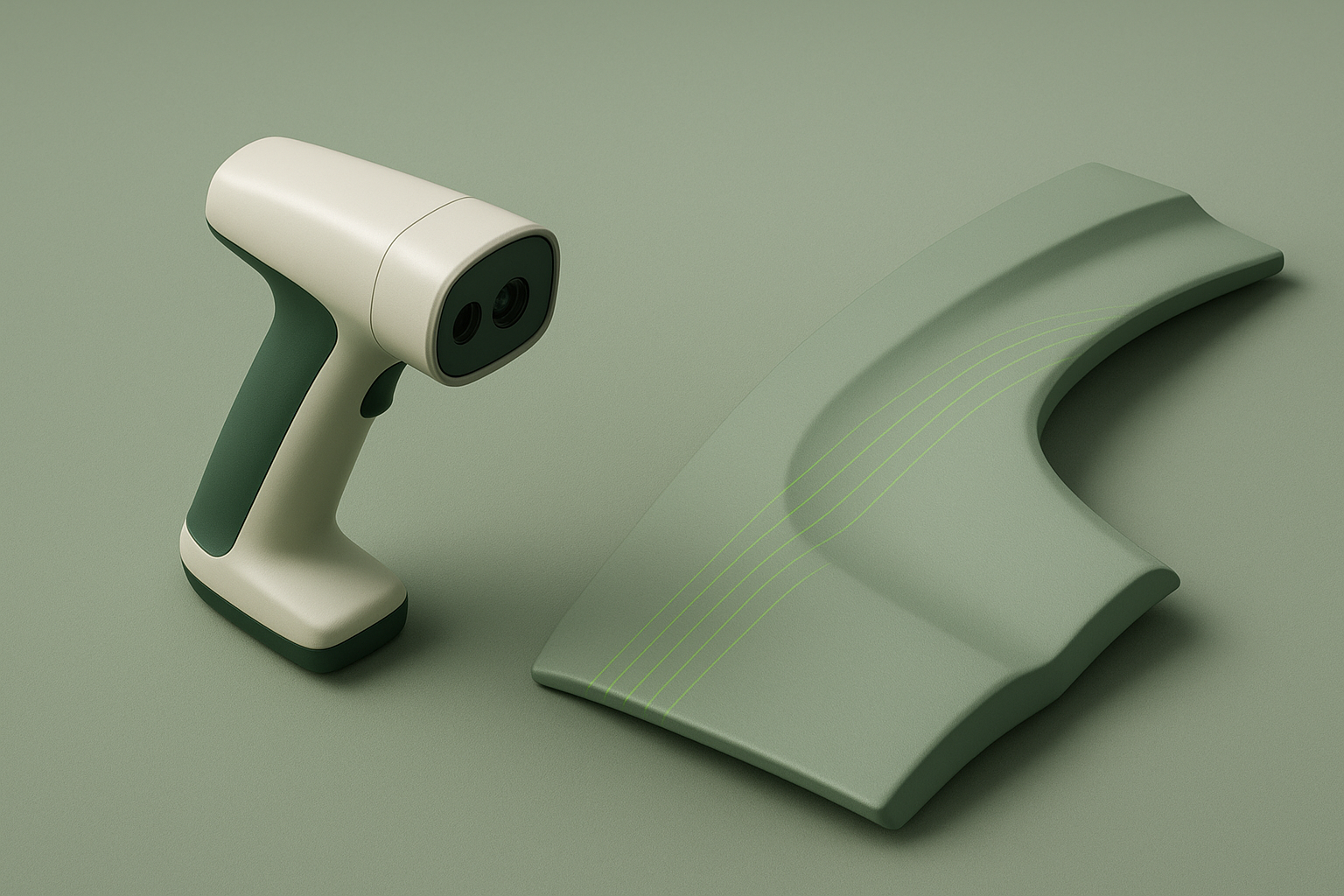
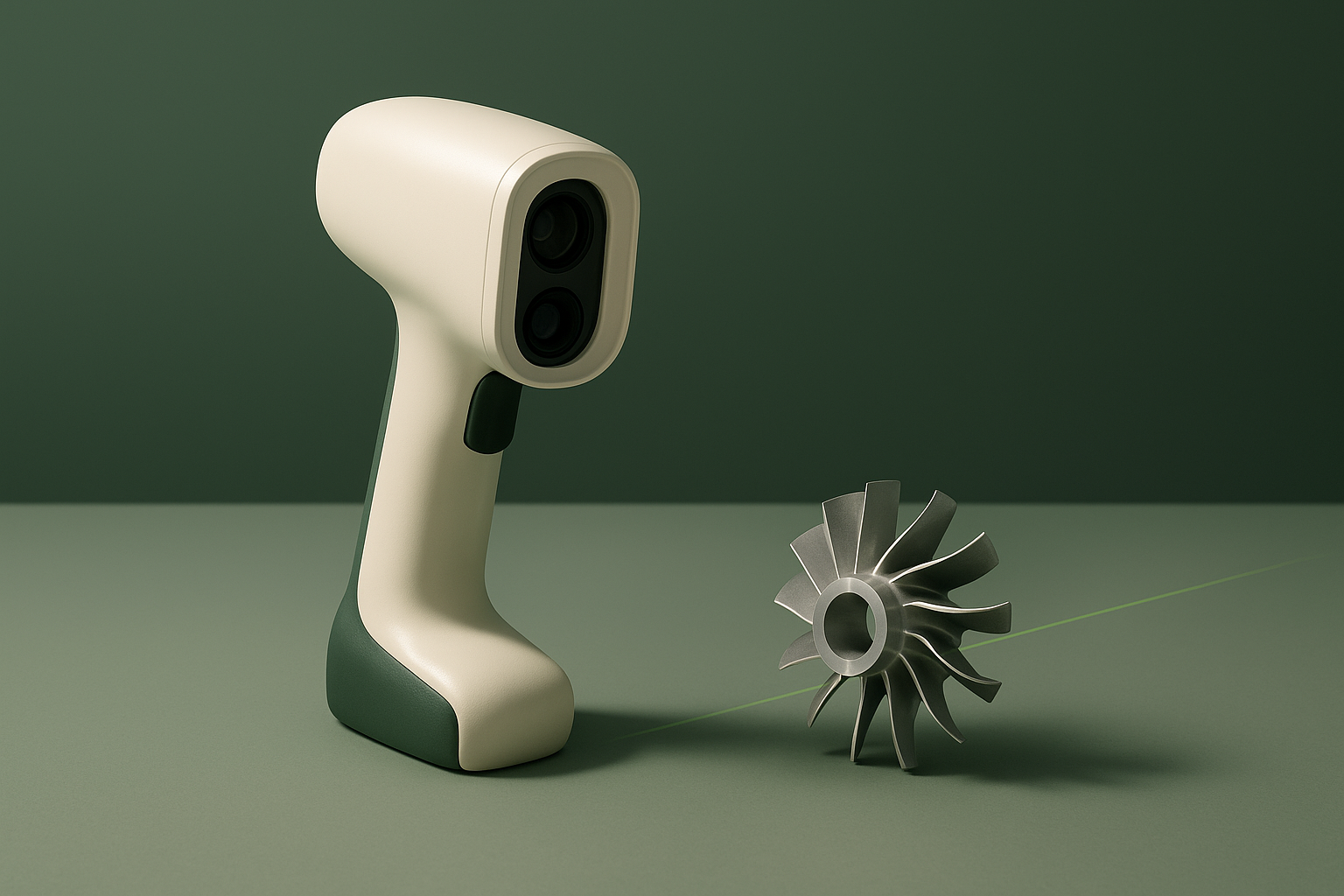
This review covers the Creality CR-Scan Raptor, a handheld hybrid 3D scanner that combines a seven-line blue laser with a near-infrared (NIR) structured-light mode. Every figure below traces back to Creality’s own product manual, store, and download pages — including the official CR-Scan Raptor product manual PDF, which carries a full numeric specification table — cross-checked against retailer listings that reproduce the same manufacturer spec sheet. In brief: the Raptor pairs metrology-grade laser accuracy with a wide working-distance range and marker-free NIR capture, at a price and PC-requirement level aimed squarely at professional and prosumer use rather than casual hobbyists.
Fit
Creality markets the Raptor around two capture modes with different intended subjects. The blue-laser mode is aimed at reverse engineering, mechanical part inspection, and product design work where hard edges and metric accuracy matter. The NIR mode is described by Creality as marker-free structured-light scanning suited to faces, human bodies, and cultural relics — subjects where laser lines are harder to track and surface texture varies (Creality product page). That combination points the Raptor at engineers, product designers, heritage digitization teams, and small studios that need both rigid-part precision and organic-subject flexibility from one device.
It is a weaker fit for buyers who want a simple point-and-scan hobbyist tool. The scanner is USB-tethered out of the box; wireless capture is available only by adding Creality’s separately sold Scan Bridge accessory (Creality Scan Bridge listing), a named add-on for the Raptor series rather than a bundled-in feature — and at least one retailer reproducing Creality’s spec sheet lists a fairly demanding recommended PC configuration for smooth operation (SwingDesign listing). Combined with a list price near $1,499 before promotional discounts (Creality store), casual users chasing a cheap first scanner are better served by Creality’s lower-tier models.
Technology & Specifications
The Raptor’s blue-laser mode projects seven parallel laser lines, each kept to roughly 0.1 mm in width, and pairs them with a 2.3-megapixel camera through a nine-element all-glass lens to triangulate surface geometry. This is the mode Creality attaches its “metrology grade” claim to. The NIR mode switches to infrared binocular structured light with speckle-pattern matching, which does not require physical tracking markers on the object — Creality’s marketing copy specifically calls out faces, bodies, and relics as targets for this mode (Creality product page). A ring of white LEDs supplies 24-bit color capture for textured output. Reflective markers and a glass calibration plate are included in the box for the blue-laser workflow on larger or feature-poor objects (SwingDesign listing).
| Specification | Stated value | Source |
|---|---|---|
| Scanning technology | 7-line blue laser (structured light) + NIR binocular structured light, hybrid modes | Creality |
| Accuracy, blue laser mode | Up to 0.02 mm (measured at 100 mm distance) | Creality CR-Scan Raptor product manual, Product Specifications |
| Accuracy, NIR mode | Up to 0.1 mm | Creality CR-Scan Raptor product manual, Product Specifications |
| 3D resolution | 0.02–2 mm (blue laser) / 0.1–2 mm (NIR) | Creality CR-Scan Raptor product manual, Product Specifications |
| Scan speed | Up to 60 fps (blue laser) / up to 20 fps (NIR) | Creality CR-Scan Raptor product manual, Product Specifications |
| Working distance | 150–400 mm (blue laser) / 170–1000 mm (NIR) | Creality CR-Scan Raptor product manual, Product Specifications |
| Scan volume / object size range | Minimum ~5×5×5 mm (blue laser) or 150×150×150 mm (NIR); maximum object up to 2000×2000×2000 mm | 3DJake, Center3DPrint |
| Output formats | OBJ, STL, PLY | Creality CR-Scan Raptor product manual, Product Specifications |
| Connectivity | USB Type-C / USB 3.0 tethered by default; wireless capture available via the separately sold Creality Scan Bridge accessory | Creality CR-Scan Raptor product manual, Product Specifications, Creality Scan Bridge |
| Weight / dimensions | 372 g / 215 × 50 × 74 mm | Creality CR-Scan Raptor product manual, Product Specifications |
| Laser safety class | Class I (eye-safe) | Creality CR-Scan Raptor product manual, Product Specifications |
| OS requirements | Windows 10/11 (64-bit); macOS supported | 3DJake, Center3DPrint |
| List price | $1,499 MSRP; promotional pricing observed at $879 (Creality’s own store, listed as sold out at time of check) | Creality store |
Limitations
Several constraints are either stated directly by Creality or conspicuous by omission. First, wireless operation is not part of the base package — connectivity is USB Type-C/USB 3.0 by default, and wireless capture requires Creality’s separately sold Scan Bridge accessory, a named, priced add-on for the Raptor series (listed around $299 on Creality’s own store at time of check, discounted from a $449 list price) rather than a bundled-in feature (Creality Scan Bridge listing). Second, the two scanning modes have different working-distance and minimum-object-size envelopes: blue laser tops out at 400 mm working distance and can capture objects as small as 5 mm, while NIR mode needs at least 150 mm of subject size and a working distance out to 1000 mm. Objects or scenarios that fall between those envelopes, or that need both fine detail and long range simultaneously, are not covered by either mode alone.
Third, Creality’s consumer-facing product page (creality.com) presents the Raptor mostly in marketing language rather than a full spec table — but a consolidated official specifications table does exist: Creality publishes a CR-Scan Raptor product manual PDF (Creality CR-Scan Raptor manual) whose accuracy, resolution, speed, working-distance, and dimensional figures match those used in this review, and the figures below are also cross-checked against retailer listings that reproduce the same spec sheet. That manual’s own connectivity line — USB-C/USB 3.0, with wireless scanning “supported in conjunction with future wireless scanning accessories” — reflects the product’s original documentation; Creality has since begun selling that accessory as the Scan Bridge, discussed above.
Fourth, output is limited to mesh formats — OBJ, STL, and PLY. There is no native CAD format (STEP, IGES) in the base export list; Creality sells QUICKSURFACE Lite/Pro as an optional add-on specifically for CAD-ready surfacing, which implies the stock software-to-mesh workflow is not intended to produce parametric CAD geometry on its own (Creality store). Finally, the recommended PC configuration reported by at least one distributor reproducing Creality’s spec sheet — a 12th-generation Core i7 or better, an RTX 3060-class GPU, and 32 GB of RAM — is a meaningfully higher bar than most consumer scanners require, and buyers without that hardware should not assume smooth real-time processing (SwingDesign listing).
Software & Workflow
The Raptor pairs with Creality Scan, listed as a distinct software category on Creality’s own download center alongside Creality Print (the company’s slicer) and firmware updates for the scanner itself (Creality download center). The download page also lists a dedicated CR-Scan Raptor user manual as a separate PDF download, and shows scanner firmware on its own update cadence independent of the desktop software. Official OS support, per retailer reproductions of the spec sheet, spans Windows 10/11 (64-bit) and macOS (3DJake listing).
The described workflow follows the standard structured-light pattern: tether the scanner over USB-C, choose blue-laser or NIR mode depending on the subject, capture with the aid of the included calibration plate and reflective markers where needed, then align, fuse, and clean the resulting mesh in Creality Scan before exporting to OBJ, STL, or PLY. Creality also sells QUICKSURFACE Lite and Pro as optional purchases on the same store listing, positioned for users who need to turn the scanned mesh into CAD-ready surfaces rather than stop at a raw mesh (Creality store). Box contents listed by a retailer reproducing Creality’s packaging details include the scanner, a waterproof carrying case, reflective markers, a glass calibration plate, a scanning pad, a cleaning cloth, a neck lanyard, a power adapter, a USB cable, and a quick start guide (SwingDesign listing).
Alternatives
ScanLedger includes Revopoint’s higher-end handheld scanners, such as the MIRACO or POP series, because they target similar reverse-engineering and creator use cases with their own combinations of structured-light and infrared capture. Shining3D’s EinScan series is included for a comparable price niche: per SHINING3D’s own model comparison page (SHINING3D comparison page), the EinScan H2 pairs LED with infrared capture and the EinScan HX pairs LED with laser capture, while the separate Pro-series models (Pro HD, Pro 2X, Pro 2X Plus) use LED-only structured light rather than a uniform “hybrid infrared/LED” system across the whole H-series and Pro-series lineup. Within Creality’s own lineup, the CR-Scan Lizard and CR-Scan Ferret/Ferret Pro sit at lower price tiers for buyers who do not need the Raptor’s blue-laser metrology accuracy or dual-mode flexibility and are willing to trade precision for a lower entry cost. None of these alternatives are detailed here beyond general positioning; buyers should consult each manufacturer’s own specification pages before comparing numbers directly.
Conclusion & Sources
The Creality CR-Scan Raptor is built around a dual-mode capture system — a seven-line blue laser for accuracy-critical, hard-surface work and an NIR structured-light mode for marker-free capture of organic subjects — backed by published figures for accuracy, working distance, and speed that are consistent across Creality’s own official product manual, store listing, and multiple retailers reproducing the same spec sheet. Its remaining limitations: wireless capture requires Creality’s separately sold Scan Bridge accessory rather than coming bundled with the base unit, CAD-ready output requires a separate software purchase, and Creality’s consumer-facing marketing page presents fewer hard numbers than its own official product manual. Buyers evaluating it should weigh the PC hardware recommendation and the added cost of wireless capture against the accuracy and dual-mode flexibility it offers.
- Creality — “CR-Scan Raptor 3D Scanner” official product page. https://www.creality.com/products/creality-cr-scan-raptor. Checked 2026-09-09.
- Creality Store — “CR-Scan Raptor 3D Scanner | Metrology Grade Accuracy, 7 Blue Laser Lines” product listing. https://store.creality.com/products/cr-scan-raptor-3d-scanner. Checked 2026-09-09.
- Creality — “CR-Scan Raptor Software & Firmware Download” download center page. https://www.creality.com/pages/download-cr-scan-raptor. Checked 2026-09-09.
- 3DJake — “Creality CR Scan Raptor” product listing reproducing manufacturer specifications. https://www.3djake.com/creality-3d-printers-spare-parts/cr-scan-raptor. Checked 2026-09-09.
- SwingDesign — “Creality Raptor CR-Scan Ultra High Accuracy Wireless 3D Scanner” product listing reproducing manufacturer specifications. https://www.swingdesign.com/products/creality-raptor-cr-scan-ultra-high-accuracy-3d-scanner. Checked 2026-09-09.
- Center3DPrint — “CR-Scan Raptor | Hybrid 3D scanner Creality” product listing reproducing manufacturer specifications. https://center3dprint.com/en/shop/3d-scanners/creality-cr-scan-raptor. Checked 2026-09-09.
- Creality — “CR-Scan Raptor” official product manual (PDF). https://cdn.creality.com/ow/official/9f08b8fd-e5da-485b-97ee-5b1a31db6416.pdf. Checked 2026-09-09.
- Creality Store — “Creality Scan Bridge” (for Sermoon S1 & Raptor Series) accessory product listing. https://store.creality.com/products/creality-scan-bridge. Checked 2026-09-09.
- SHINING3D — “Handheld 3D Scanner Comparison” page. https://www.einscan.com/handheld-3d-scanner/comparison/. Checked 2026-09-09.